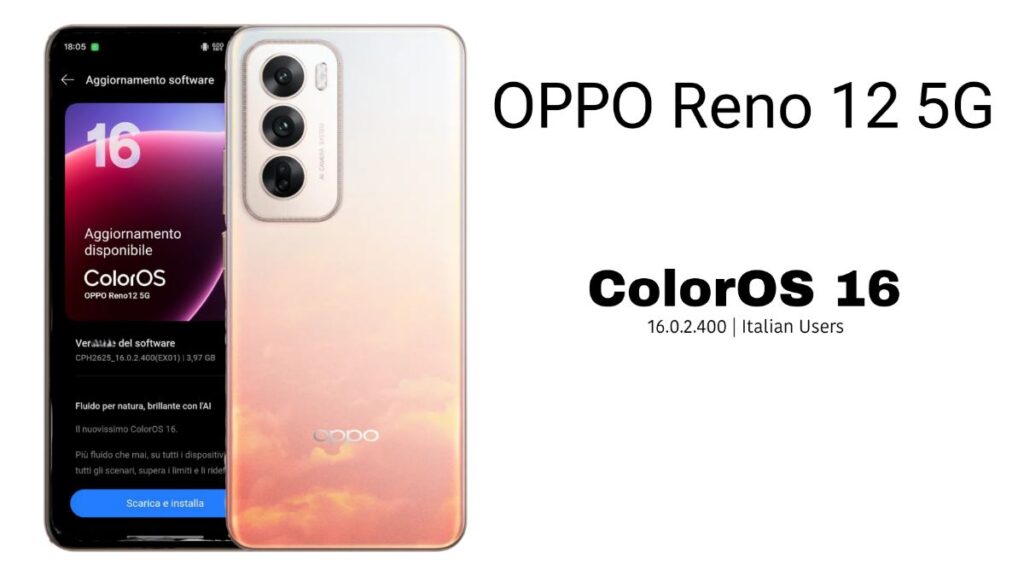
If you are using an OPPO Reno 12 5G and your region is set to Italy, there’s good news for you. Recently, some users have started seeing a beta/staged update for ColorOS 16. This isn’t a “everyone gets it at once” update, but rather a gradual rollout in batches – which is common for beta updates.
OPPO Reno 12 5G ColorOS 16 Update
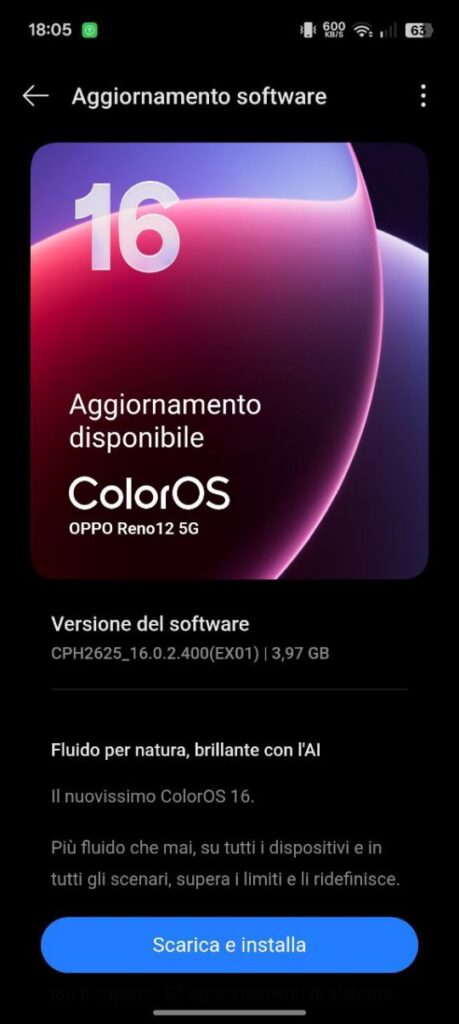
According to the screenshots and details that have emerged, the update page is entirely in Italian, displaying “Aggiornamento software” (Software update). The page clearly states that a new ColorOS version is available for the OPPO Reno 12 5G. The essential update information is as follows:
- Software version: CPH2625_16.0.2.400(EX01)
- Update size: Approximately 3.97 GB
- A “Scarica e installa” (Download and install) button is also present.
What is Beta Update?
A beta update doesn’t mean the update is bad or unsafe, but it’s not considered fully stable either. Such updates can sometimes cause some users to experience:
- Minor bugs in some apps
- Battery drain or slight heating
- Minor glitches related to network or notifications
These issues are not guaranteed to occur on every device, but they are possible in beta builds. Therefore, it’s not advisable to install it “without thinking” like a stable update.
What’s new?
The update screen also displays some promotional lines, such as “Fluido per natura, brillante con l’AI” (Fluid by nature, brilliant with AI) and “Il nuovissimo ColorOS 16” (The brand new ColorOS 16).
This clearly indicates that OPPO is presenting this update as offering a smoother UI, improved performance, and an AI-focused experience. However, until the complete official changelog is released, it’s a bit risky to provide an exact list of new features. Typically, such major updates include UI improvements, performance optimizations, and some new customization or AI tools.
How to check for the update?
If you are in the Italy region, you can check for the update yourself:
- Go to Settings > About device > ColorOS / Software update
- Tap on Check for updates
If you don’t see the update yet, don’t worry. Beta rollouts often happen in batches, so it’s a good idea to check again after 24–48 hours.
Important advice before installing
Before installing the update, it’s best to keep the following in mind:
- Use a Wi-Fi connection (the file is approximately 4GB)
- Ensure your phone has at least 50% battery
- Be sure to back up your important data
And if you rely heavily on your phone on a daily basis, waiting a bit and checking feedback from other users before installing the beta update might be a smart decision. It has recently been made available to beta users and will gradually be rolled out to everyone, but it will take some more time.
Also Read: OnePlus Nord CE3 5G OxygenOS 15.0.0.1604 Update for Indian Users: Full details here

