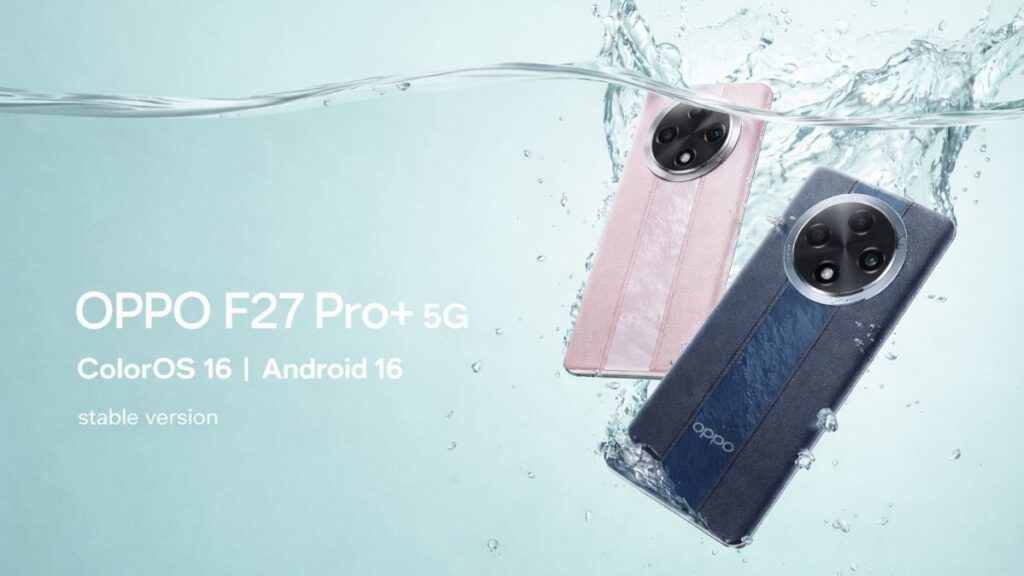
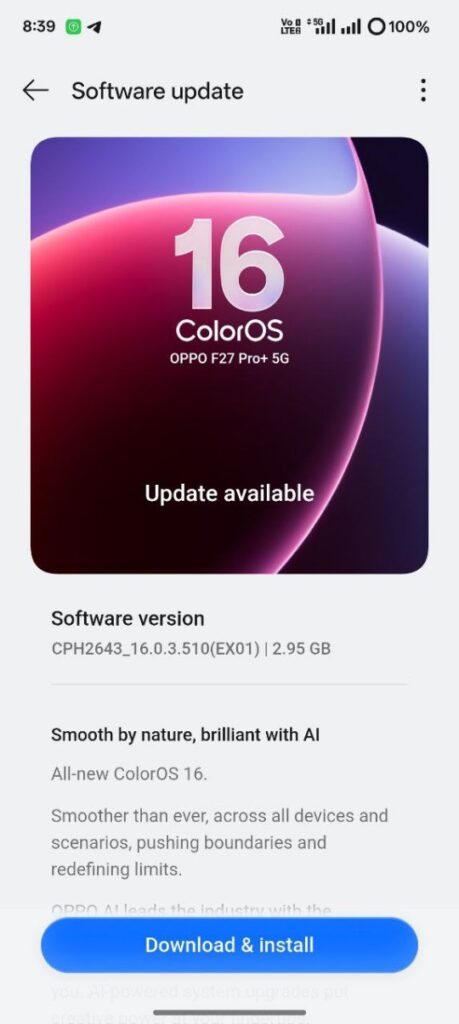
Good news for OPPO F27 Pro+ 5G users in India. The “Official Stable” version of ColorOS 16 x Android 16 has been released. This update isn’t reaching all users at once; it’s rolling out gradually through recruitment/RC (release candidate) platforms. Therefore, some users may have to wait a little longer.
- Update version: CPH2643_16.0.3.510(EX01)
- Update size: Approximately 2.95GB (preferably over Wi-Fi)
OPPO F27 Pro+ 5G ColorOS 16 Features
OPPO has added several new AI and performance-focused features to ColorOS 16. It includes tools like OPPO AI and AI Mind Space, which offer quick voice notes, smart collections, and Gemini integration with Snap Key. It also includes an AI Recorder Assistant, which provides auto-titles and summaries, along with noise reduction, so recordings sound clearer.
Also included is AI Writer, which helps with captions, mind maps, and table-based writing. Connectivity features include seamless interconnection, allowing for syncing iPhone calls and SMS, and sharing iPhone notifications within Bluetooth range.
Productivity features include phone screen mirroring to PC, which supports multiple app windows via the cloud or USB. Performance enhancements include the new Trinity Engine and Luminous Rendering Engine, which improve overall smoothness and responsiveness.
Camera and editing features include imaging features like AI Portrait Glow, Motion Photo collage, slow-motion tools, and an all-in-one video editor. Design-wise, visual changes include the Flux theme, new icons, widget sizing, and Aqua Dynamics improvements. Security features like the global SIM lock and OPPO Lock are also included, although some features may vary depending on the device and region.
How to Install
To apply this update, first open Settings, then System & update, and tap Software update. Tap the top-right icon on the top page and select the Beta program. From here, go to the Release candidate section and tap Apply Now. Then, tap “Detect the update” to download and install the update.
You Must Know
Be sure to perform a full backup of your device before updating. Your phone may experience heat, lag, or battery drain for 1-2 days after the update. This is due to system optimization in the background. Performance automatically stabilizes within a few days. Some third-party apps are not immediately compatible with Android 16, which can cause crashes or lags. If you see a bug, enter *#800# in your dialer and report it through feedback.
Also Read: OPPO Reno 13 5G ColorOS 16 based optimising update: enhance your phone security

