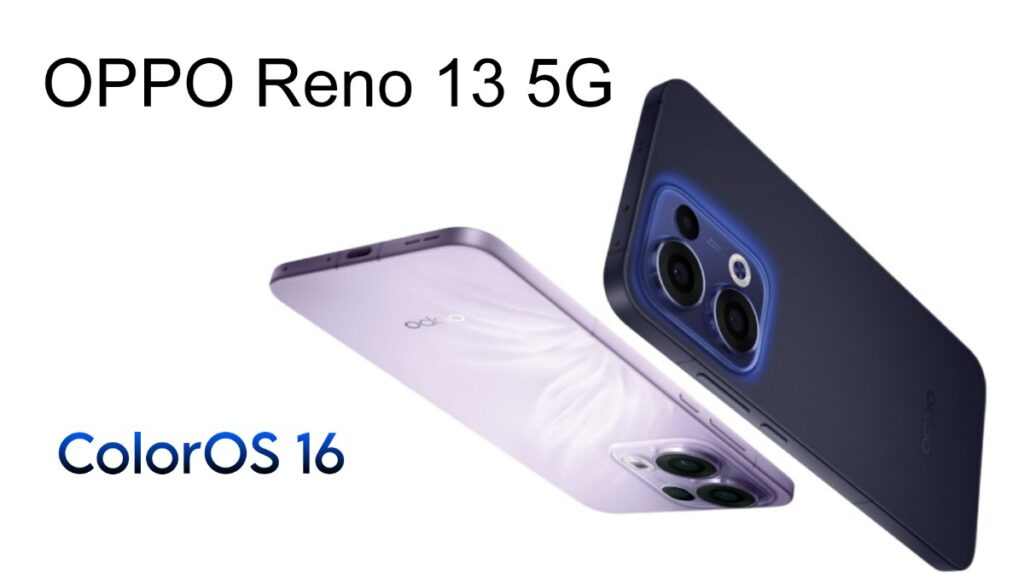
If you are using an OPPO Reno 13 5G, a new ColorOS 16 based update has started rolling out. It doesn’t seem like a major “mega update,” as its size is around 403MB, but the changes included are quite practical, especially in areas related to Photos and Private Safe.
OPPO Reno 13 5G ColorOS 16 optimization update
According to the details displayed on the screen, the software version of the update is: CPH2689_16.0.2.410 (EX01B4OP02) and it also shows “Update available.” Such updates are usually rolled out in batches. So it may appear on some users’ phones earlier and on others’ devices a little later.
ColorOS 16 based optimization update features
The Photos app has received the most attention in this update. First, the AI Eraser has been improve. Now, when you remove an unwanted object from a photo, the smudges or strange traces left behind have been minimize. So the final image looks more natural.
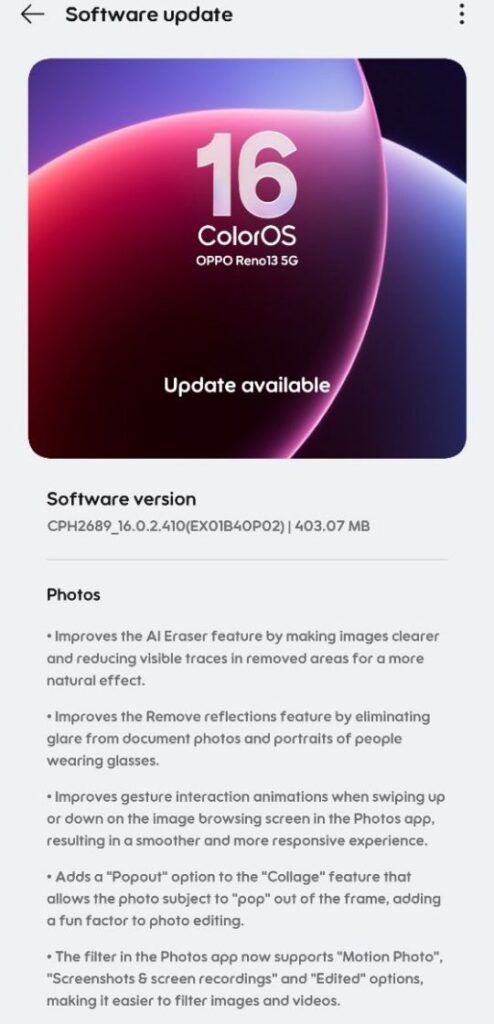
Another important change is the improvement in the Remove reflections feature. If you have ever taken a picture of a document or clicked a portrait while wearing glasses, glare or reflective light often causes problems. This update further enhances the reflection removal feature.
In addition, gesture animations in the Photos app have also been improve. This means that the experience while swiping up and down during image browsing may feel smoother and more responsive than before. A new “Popout” option has also been add to the Collage feature. This makes the subject appear to pop out of the frame – this can be a good option for fun editing.
The Filters section has also made more useful. Now, filters will support categories like Motion Photo, Screenshots & screen recordings, and Edited, making it easier to find necessary photos in the gallery. Another useful change is the Auto Straighten feature – if a photo is slightly tilted. It can automatically straighten it while cropping or rotating. Additionally, the thumbnail processing method in Photos has been optimize for faster display of thumbnails.
For users of Private Safe, this update includes two helpful changes:
- The speed of adding images and files has been improve.
- You can now edit images and videos directly within Private Safe without having to move them out – which can be quite convenient for daily use.
- System Improvements and AI Writer
On the system side, a simple but important change has been implement – system stability has been improve. Such changes are usually not visible, but they are crucial for the phone’s daily performance and reliability.
Furthermore, the “Write anything” feature in AI Writer has been expand. It now supports various types of writing, including compositions, letters, proposals, job descriptions, and video scripts.
A small tip before updating
Although the update size is small, keep these points in mind to be on the safe side:
- Download over Wi-Fi
- Ensure at least 40–50% battery
- Back up your important data beforehand
To check for the update, go to Settings → Software update. If the update is not yet available, it’s advisable to check again after 1–2 days, as the rollout happens gradually in batches.
Also Read: OnePlus Nord CE4 Gets OxygenOS 16.0.3.500 Update: February Patch

