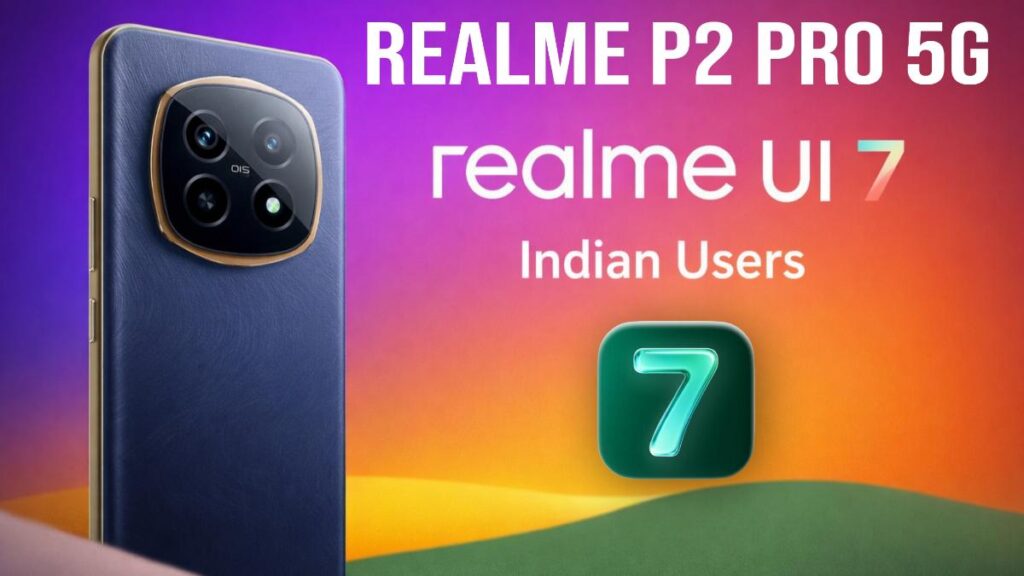
Realme has started rolling out the realme UI 7 update with Android 16 for the Realme P2 Pro to Indian users. When I checked the update screen, it was clear that this wasn’t a small patch but a major system update.
The software version of this update is RMX3987_16.0.0.210(EX01) and its size is approximately 3.73GB. The size suggests that Realme isn’t just providing a rebranded update this time, but has made significant changes at the system level.
What’s new in realme UI 7?
According to the update description, realme UI 7 is powered by the Trinity Engine. The goal is to make the system smoother and more responsive. In everyday use, this should be noticeable in app opening and closing, scrolling, and multitasking.
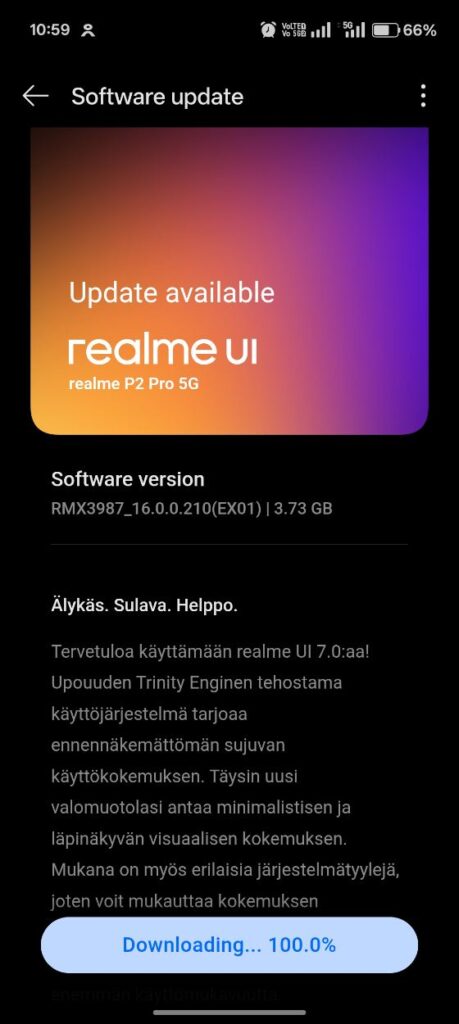
In terms of UI design, Realme has focused on Light Form Glass Design. This means the interface now looks cleaner and has a slightly transparent feel. I think this change will appeal to those who prefer a minimal and clean UI.
In addition, new options for system styles have been added, allowing users to customize their phones to their liking.
Performance and Battery Life
The realme UI 7 update focuses on performance optimization. Memory management has been improved, ensuring that apps run smoothly. Such changes aren’t usually immediately noticeable, but after a few days of use, the phone should feel more stable.
The company hasn’t made any major claims regarding battery life, but due to better optimization, the battery backup might be slightly more stable. Things to keep in mind before installing the update
Since this is a major update, before installing:
- Keep your phone connected to Wi-Fi
- Ensure the battery is at least 50% charged
- Back up your important data
After the update, your phone might feel slightly warm or slow for a while as system optimization runs in the background. This is normal.
Overall experience of some users
Based on the information available so far, the realme UI 7 update for the Realme P2 Pro focuses on improved smoothness, a cleaner UI, and better system stability. This update might appeal to those who want to try the new Android 16 experience without too many drastic changes.
If the update is available for your phone, it’s advisable to install it with a little patience.
Also Read: Xiaomi 15 Ultra HyperOS 3 Update with Android 16 for Global users

